
Losing all your files in the blink of an eye—family photos, work documents, unfinished projects—is a nightmare no one wants to experience. “Cloud backup vs. external drive” is the ultimate guide to choosing the right strategy and never losing a memory or an important file again.
The Cloud: The Safe Accessible from Anywhere
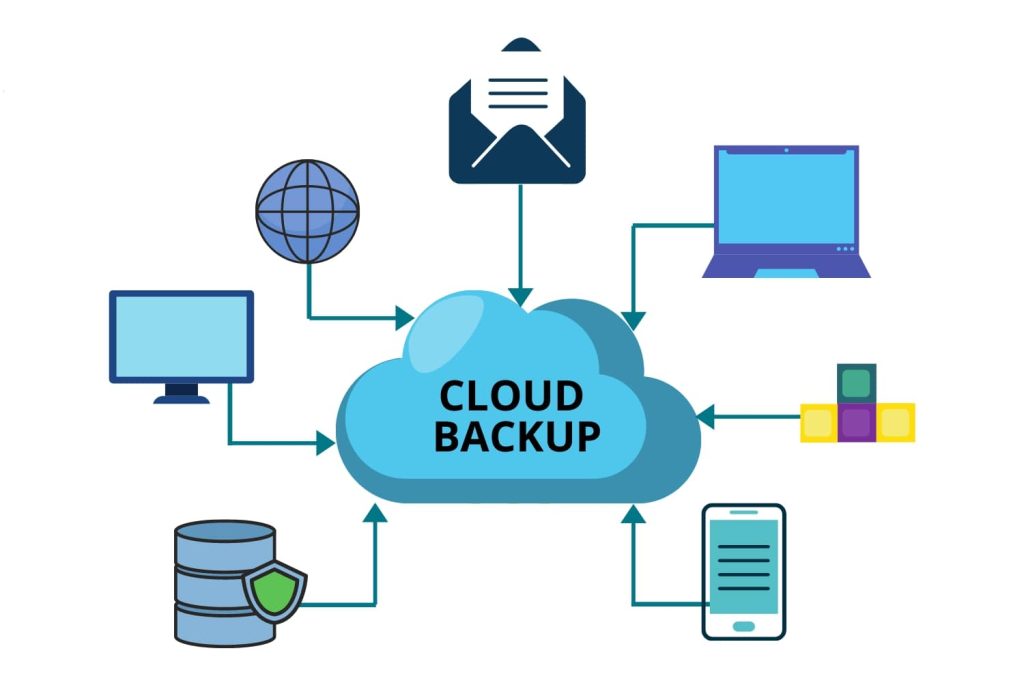
The cloud stores your data on remote servers, accessible from any device with an internet connection. Services like Google Drive, Dropbox, or iCloud automatically sync your files, protecting you from theft, fire, or household disasters. However, you depend on an internet connection to access or recover your data. The monthly fee is the price paid for the peace of mind of having everything always available.
The External Drive: The Aircraft Carrier in Your Home
An external drive physically stores your data, with no dependence on the internet or subscriptions. You buy it once, pay zero monthly fees, and have total control over your files. Additionally, transfers are extremely fast. However, dangers lurk: a drive can fail, be stolen, or be destroyed in a fire. You solve one problem, but create another.
Security: The Achilles’ Heel of Each Option
The cloud invests heavily in encryption and security, protecting your data from unauthorized access. Companies like Google and Microsoft dedicate entire teams to this mission. On the other hand, you can encrypt an external drive yourself, but you are entirely responsible for its physical and logical security. Lose the drive, lose the data.
The Smart Solution: Never Choose Just One
The winning strategy combines both technologies. Use the cloud for daily access and automatic syncing. Use the external drive for complete, periodic backups. This way, you protect yourself against internet outages, drive failures, and localized disasters. This hybrid approach guarantees maximum security.
Checklist for an Invincible Backup
✅ Set up automatic cloud syncing (Google Drive, Dropbox, iCloud).
✅ Buy an external drive with capacity larger than your current data.
✅ Schedule manual backups to the external drive (weekly or monthly).
✅ Encrypt sensitive data before storing it in the cloud or on the drive.
✅ Regularly test file recovery from both solutions.
Conclusion: The Best Choice is Not to Choose
“Cloud backup vs. external drive” presents you with a false dichotomy. In short, the answer isn’t in choosing one option, but in embracing both. The cloud offers you accessibility; the external drive gives you control and speed.
Protect your digital assets with this hybrid strategy. The peace of mind that comes from knowing your data survives any setback is priceless. Start your backup plan today—the future will thank you.