

Feeling like your inbox has become a minefield? A single click on the wrong link can compromise your accounts, financial data, and even your digital identity. “How to identify if an email is a phishing attempt” is the practical guide that turns any user into a digital detective. Learn to decipher the warning signs before you become the next victim.
The Fake Sender: The First and Biggest Red Flag
Scrutinize the sender’s email address carefully. Cybercriminals create addresses that mimic legitimate companies but with small flaws. Look for subtle differences like swapped letters (e.g., micr0soft.com), generic domains (.biz, .xyz), or an excess of numbers and characters. However, merely checking the displayed name isn’t enough; you must click into the field to see the full address.
Urgency and Pressure: The Emotional Bait
They rush you into making an immediate decision. Phishing emails use language that creates a false sense of urgency. Phrases like “Your account will be suspended in 24h” or “Someone accessed your account, click here to verify” aim to disable your critical thinking. Remember: legitimate companies never ask for confidential information in such a hurried manner.
Deceptive Links and Attachments
Always hover your mouse cursor over any link (without clicking) to see the real destination. A displayed text might say “” but the hidden link directs you to a completely different domain. Similarly, be wary of unexpected attachments, especially with extensions like .exe, .zip, or .scr. These can install malware on your device.
Errors and Inconsistencies: The Lack of Professionalism
Identify grammatical errors, spelling mistakes, or an unprofessional tone. Many phishing campaigns are automatically translated or written by non-native speakers, resulting in awkward phrasing, missing punctuation, and inconsistent formatting. Official communication from a major company is always reviewed and polished.
Quick Verification Checklist
✅ Inspect the sender’s full email address.
✅ Question any request that implies urgency or fear.
✅ Hover over all links to verify the URL.
✅ Never download or open unexpected attachments.
✅ Look for language errors and dubious formatting.
✅ When in doubt, contact the company directly through its official website.
Conclusion: Your Suspicion is the Best Antivirus
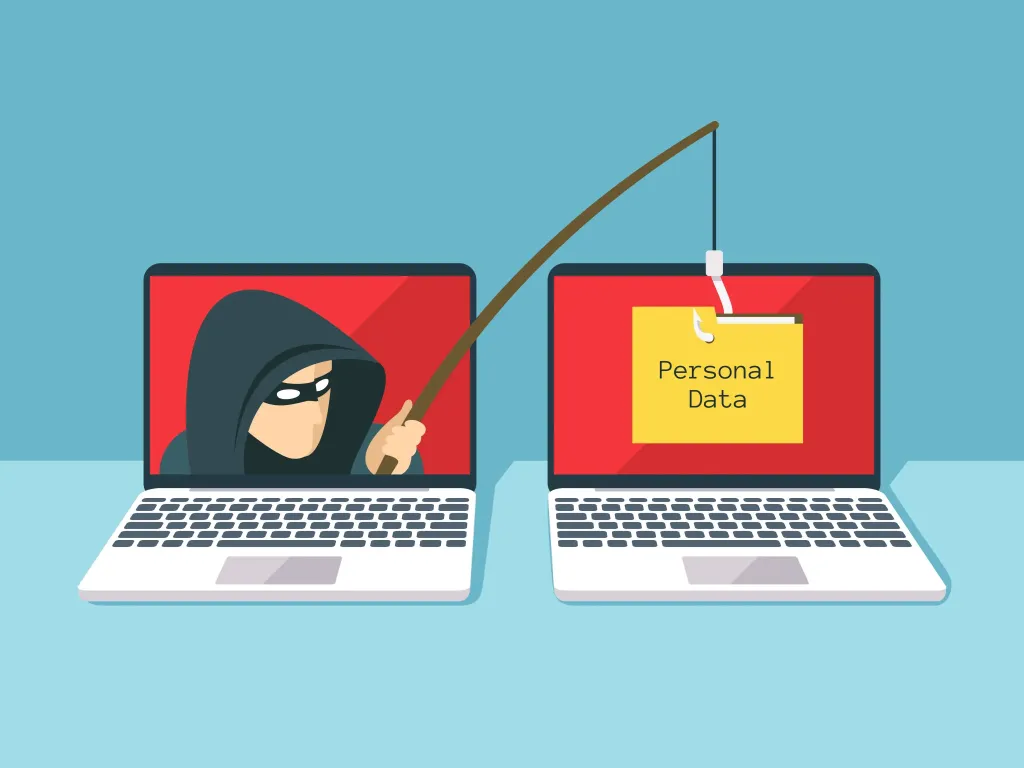
“How to identify if an email is a phishing attempt” boils down to one golden rule: conscious skepticism is your most powerful defense. In short, if something in the email seems off, it probably is.
Don’t click, don’t reply, don’t share. Delete the message and, if necessary, report it. Protect your data with intelligent caution and share this knowledge. Everyone’s digital security begins with each person’s vigilance.